
Recover when a dropped material, forge result, or Backpack equip step is missing
Collect every visible drop, finish the forge sequence, then equip the result from Backpack.
Backpack shows the forged gear equipped.
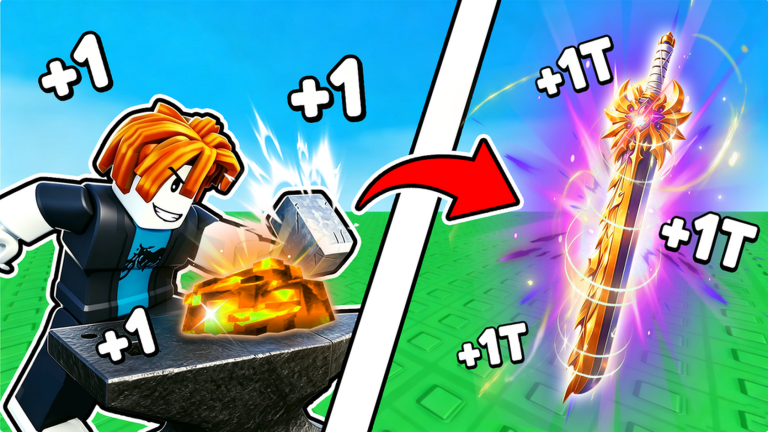
Starting point
Start when a dropped material, forge result, or equipped item is missing.
Steps
Defeat an enemy and collect every visible dropped material before leaving the route.
Insert the collected materials into the forge and complete the shown hammer and cooling sequence.
Open Backpack, find the new forge result, and equip it; the equipped item is the success check.
Success state
You are finished when backpack shows the forged gear equipped.
What the checked sources show
Confirm that the forged result is shown as equipped in Backpack.
If a material is missing, retrace the defeated-enemy route before trying the forge again.
After equipping the result, continue with the forge guide to separate observed ore names from unknown stats.
Source-qualified evidence
The official loop names power gain, enemies, ore gathering and gear forging.
official
In the selected gameplay run, drops on the path had to be collected manually.
observed gameplay
The selected gameplay shows inserting materials, completing the forge animation, receiving a sword, and equipping it from Backpack.
observed gameplay
Start when a dropped material, forge result, or equipped item is missing.
selected-gameplay
Retrace the enemy route and collect every visible dropped material.
selected-gameplay
Return to the forge and insert the collected materials.
selected-gameplay
Open Backpack and equip the resulting gear.
selected-gameplay
Backpack shows the forged gear equipped.
selected-gameplay
Confirm that the forged result is shown as equipped in Backpack.
selected-gameplay
If a material is missing, retrace the defeated-enemy route before trying the forge again.
selected-gameplay
This sequence comes from selected gameplay checked on 2026-09-14; follow the current game interface when labels or steps differ.
selected-gameplay
After equipping the result, continue with the forge guide to separate observed ore names from unknown stats.
selected-gameplay