
Understand the observed forge, ore, and gear loop without relying on invented values
A source-bounded forge guide separating observed ore names, gear categories, and player-entered current rates.
The new weapon or armor result is visible and equipped in Backpack.
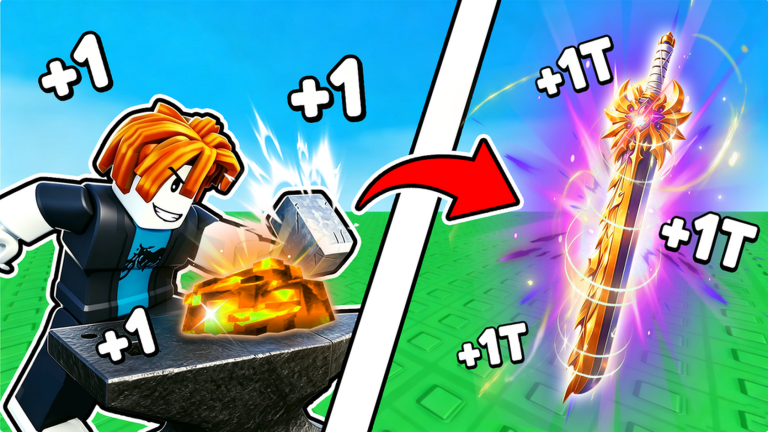
Starting point
Start after collecting the visible materials dropped on the current route.
Steps
Collect every visible dropped material before leaving the enemy route.
Insert the collected materials into the forge.
Finish the observed forge sequence, then open Backpack and equip the result.
Success state
You are finished when the new weapon or armor result is visible and equipped in Backpack.
What the checked sources show
Use the bounded observed ore names only as recognition cues, not as a complete rarity or value table.
If an ingredient is missing at the forge, return to the drop route and collect every visible item.
When a category percentage is visible, enter that live value in the forge chance calculator.
Source-qualified evidence
Start after collecting the visible materials dropped on the current route.
source-bounded
Collect every visible dropped material before leaving the enemy route.
source-bounded
Insert the collected materials into the forge.
selected-gameplay
Finish the observed forge sequence, then open Backpack and equip the result.
source-bounded
Use the bounded observed ore names only as recognition cues, not as a complete rarity or value table.
source-bounded
The new weapon or armor result is visible and equipped in Backpack.
source-bounded
If an ingredient is missing at the forge, return to the drop route and collect every visible item.
source-bounded
Displayed category chances can vary by the current forge state; read the value in your own live interface and do not treat one observed percentage as universal.
source-bounded
When a category percentage is visible, enter that live value in the forge chance calculator.
source-bounded
The selected gameplay shows inserting materials, completing the forge animation, receiving a sword, and equipping it from Backpack.
observed gameplay
Ruby, Obsidian, Gold, Sapphire, Crimson, Fire Crystal, and a captioned Mythical Crystal are names heard or shown in one selected gameplay source.
observed gameplay
The forge UI in the selected session exposes a displayed equipment-category probability; the shown head chance was 85% in that attempt.
observed gameplay